
Notes and research, kept as plain files you own.
Knotbook is a desktop app for writing linked notes, reading PDFs and collecting sources. Everything is stored as Markdown in a folder on your computer, and you don't need an account to use it.
Free to use. Knotbook Pro is a one-time purchase of ₹2,999.
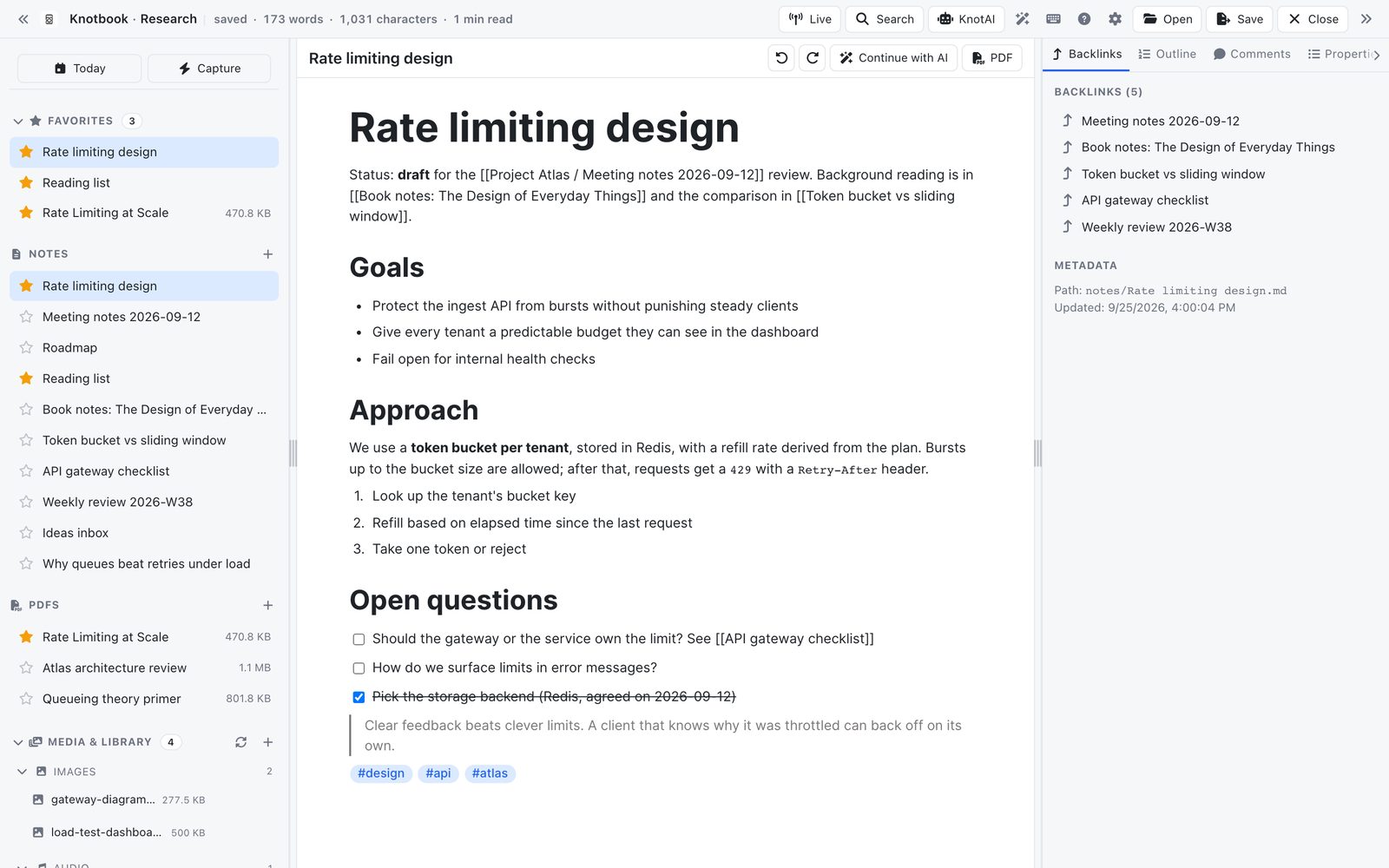
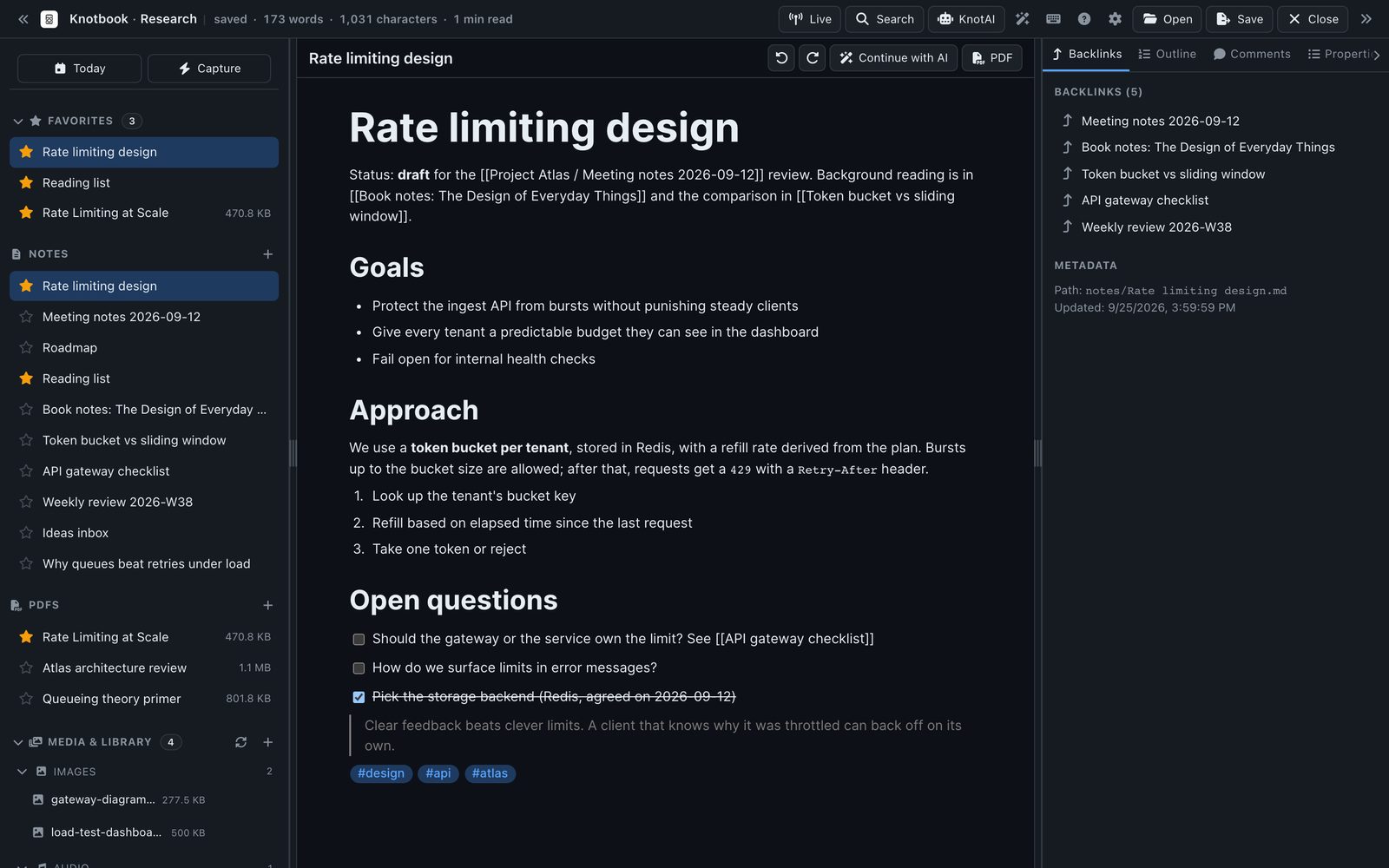
Write in Markdown and link one note to another
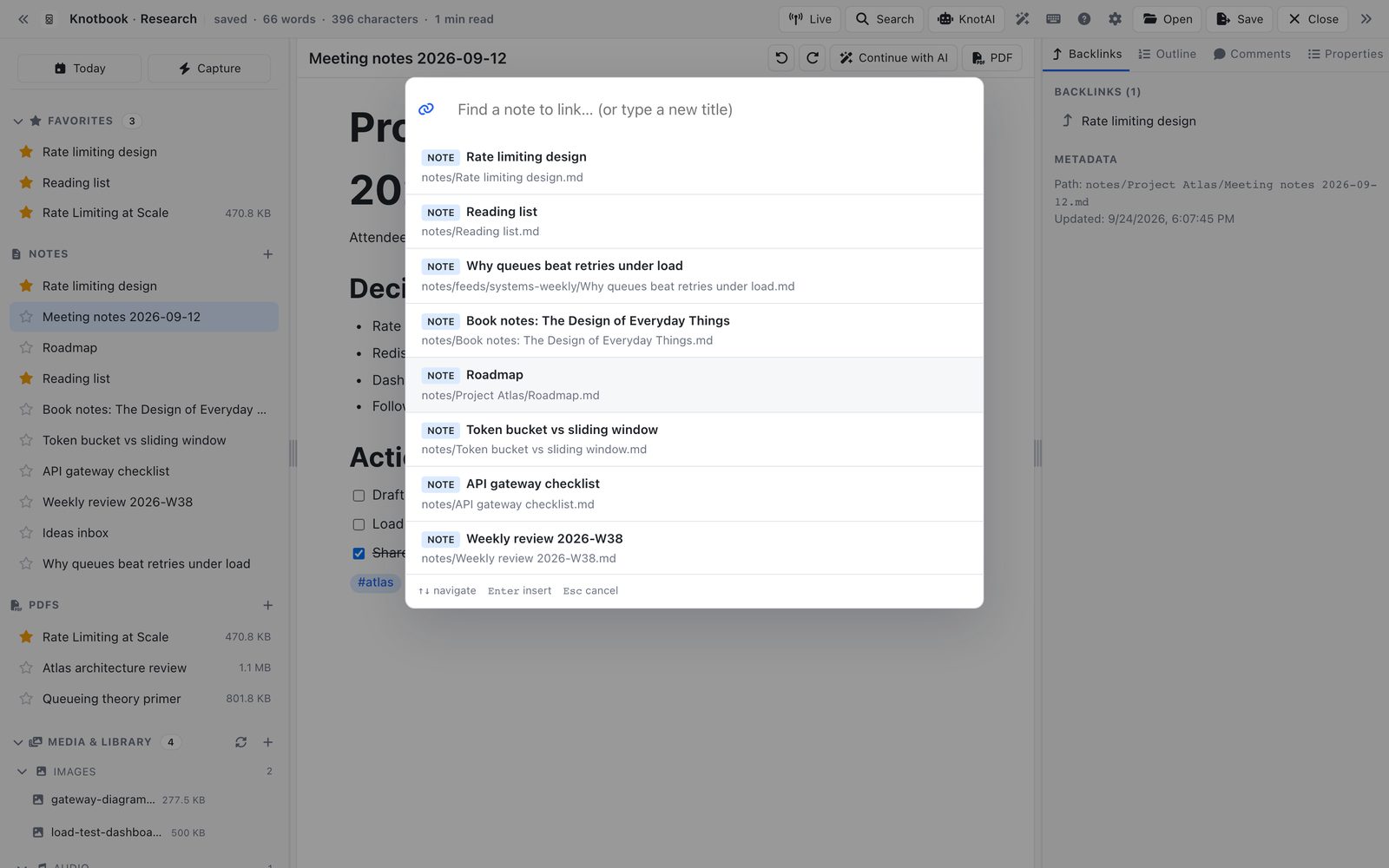
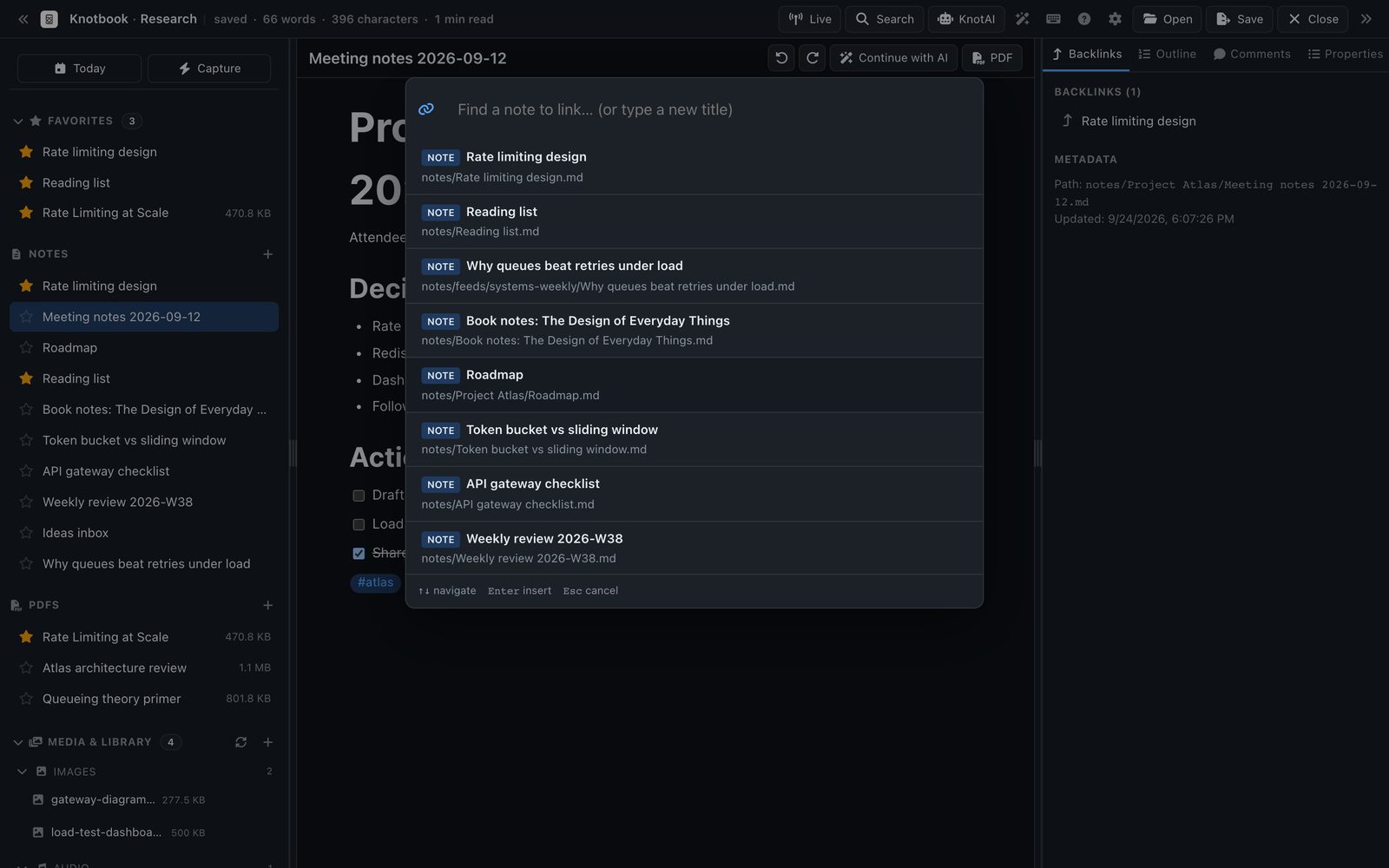
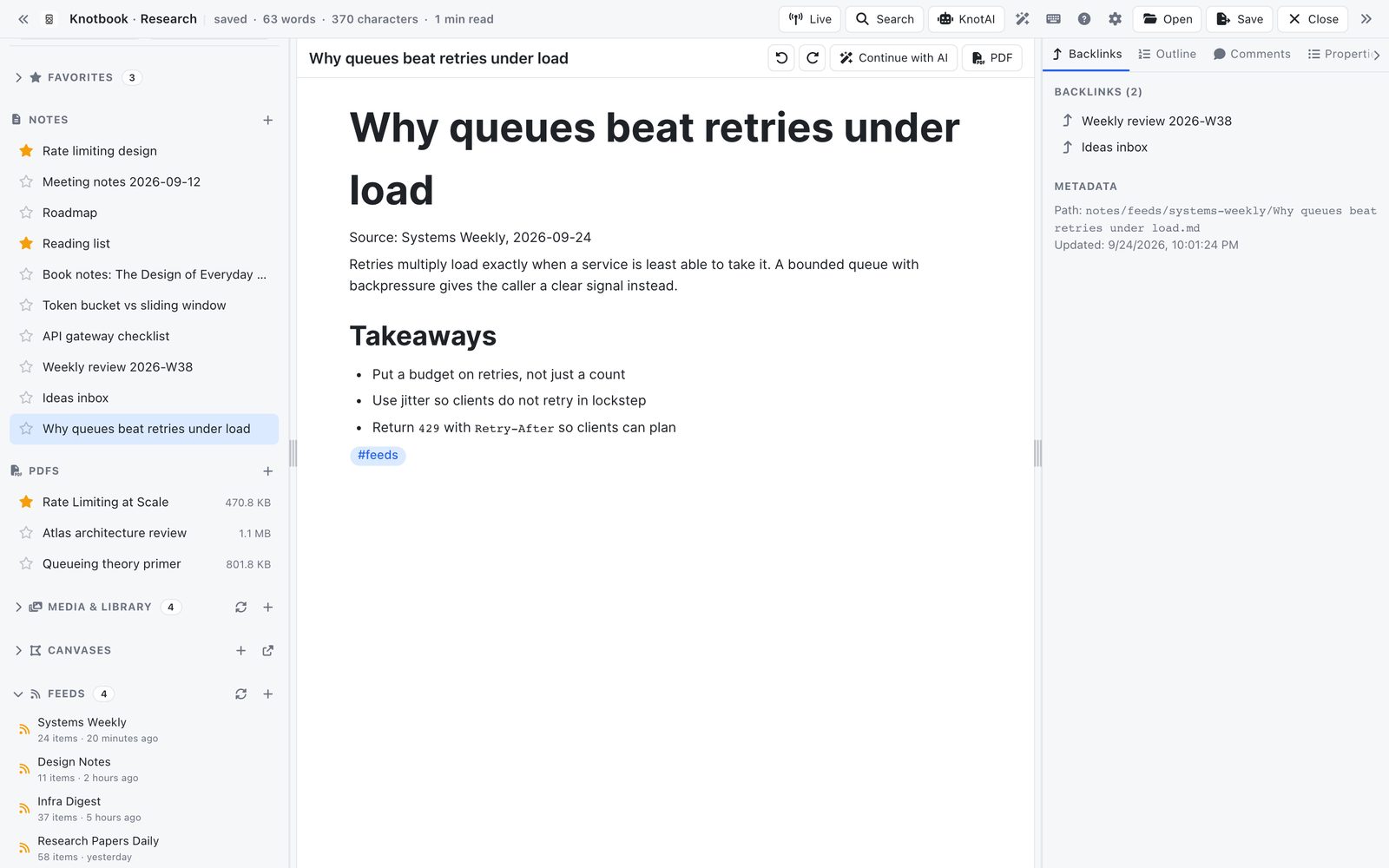
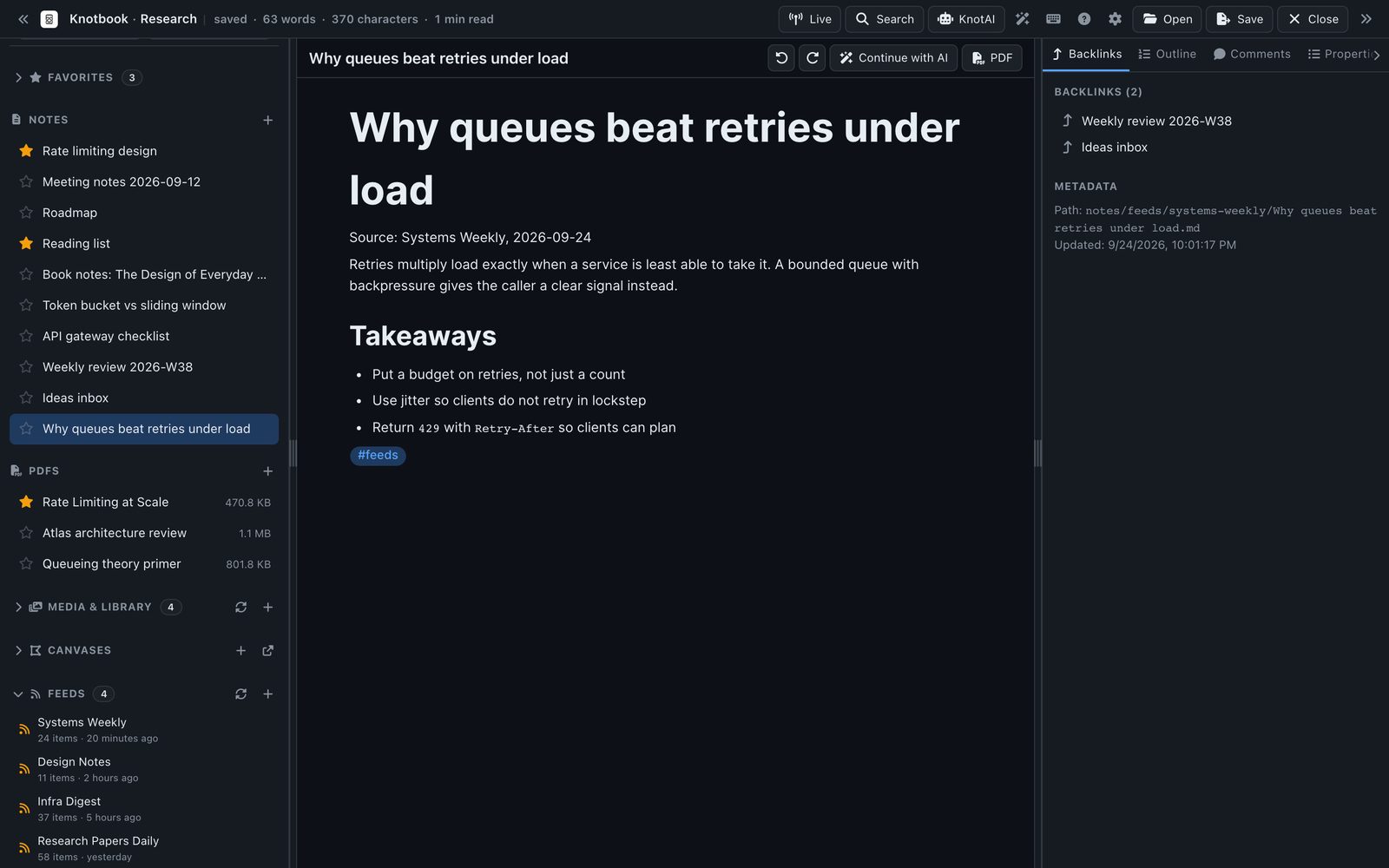
Links are ordinary [[wikilinks]]. Press / in the editor, choose Insert wikilink and pick the note. Every note has a backlinks panel that lists the notes pointing at it, so an idea you wrote down in March turns up again when you need it. The files are ordinary .md, so they open in any other editor too.
- Editor
- Headings, tables, callouts, math and Mermaid diagrams
- Organise
- Tags, properties, daily notes and templates
- Other views
- Canvas, outliner, database views over a folder, and a tasks panel
- History
- Every save is kept as a local version you can restore
Keep PDFs next to the notes you write about them
Importing and annotating PDFs needs Pro
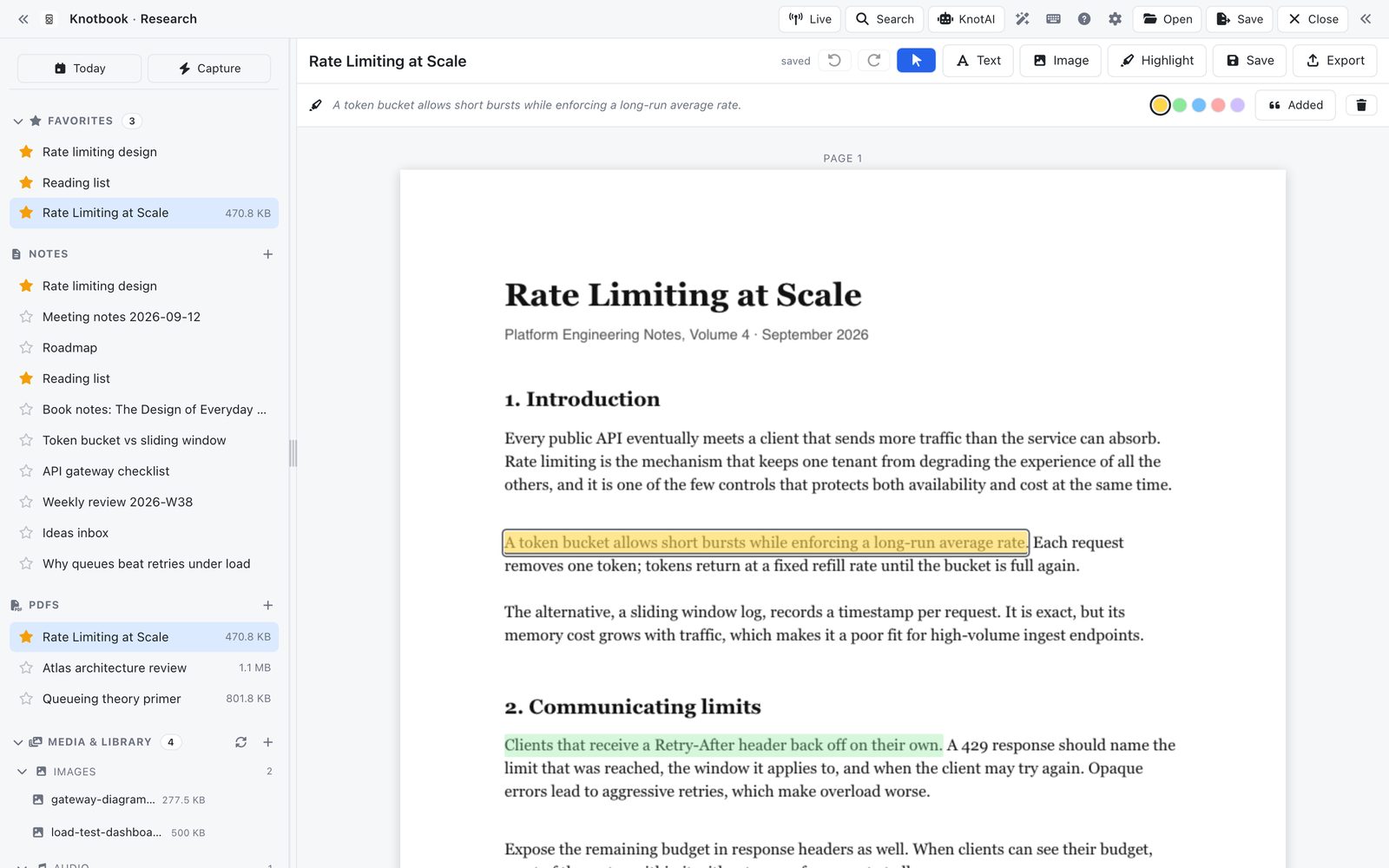
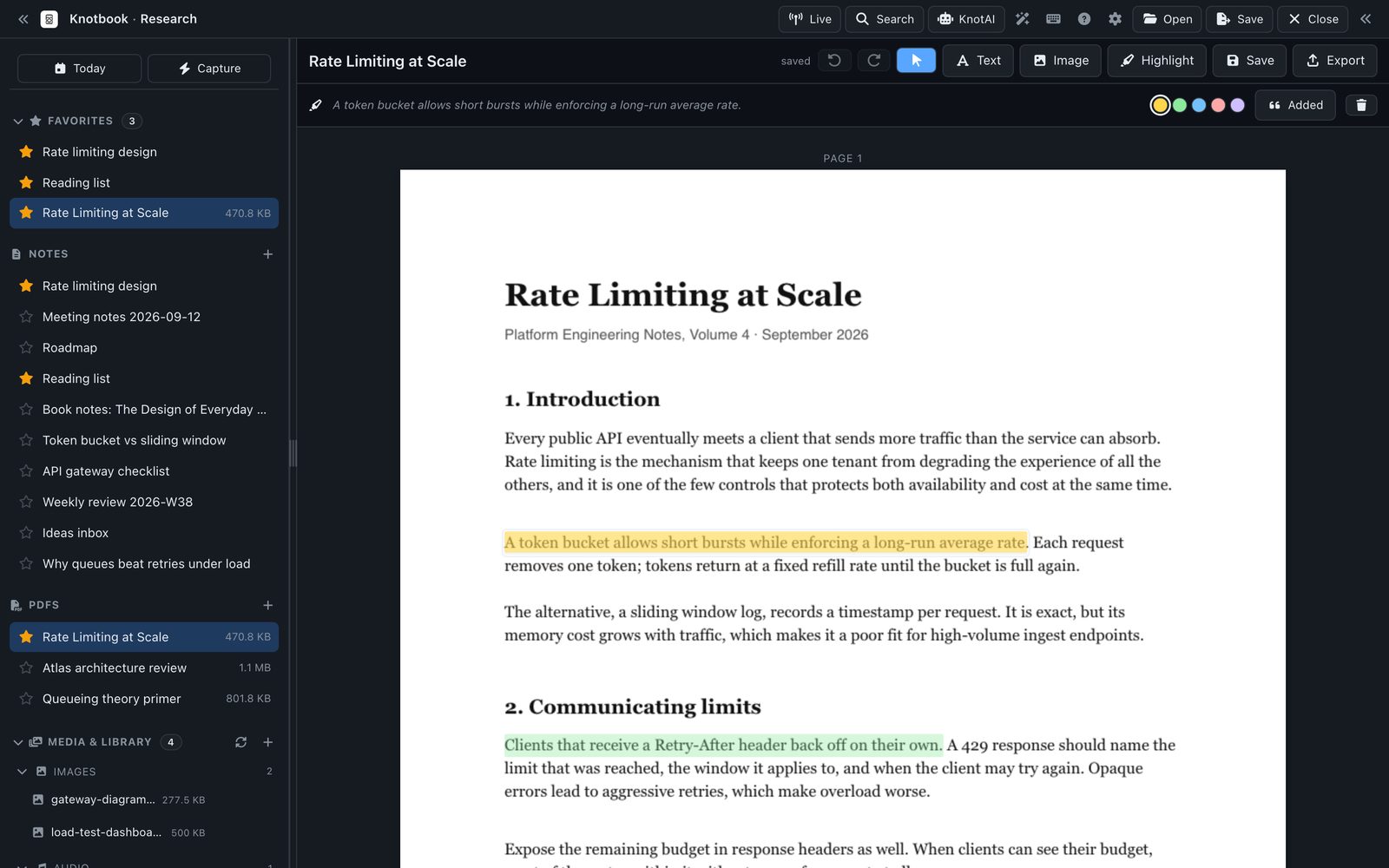
PDFs open inside the workspace, and their text is added to the search index, so a sentence on page 40 turns up alongside your own notes. With Pro you can import PDFs, highlight and comment, correct text, and export an annotated copy.
- Search
- Text from every PDF is searchable with your notes
- Annotate
- Highlights, comments and image stamps (Pro)
- Export
- Save a flattened PDF, or turn any note into a PDF (Pro)
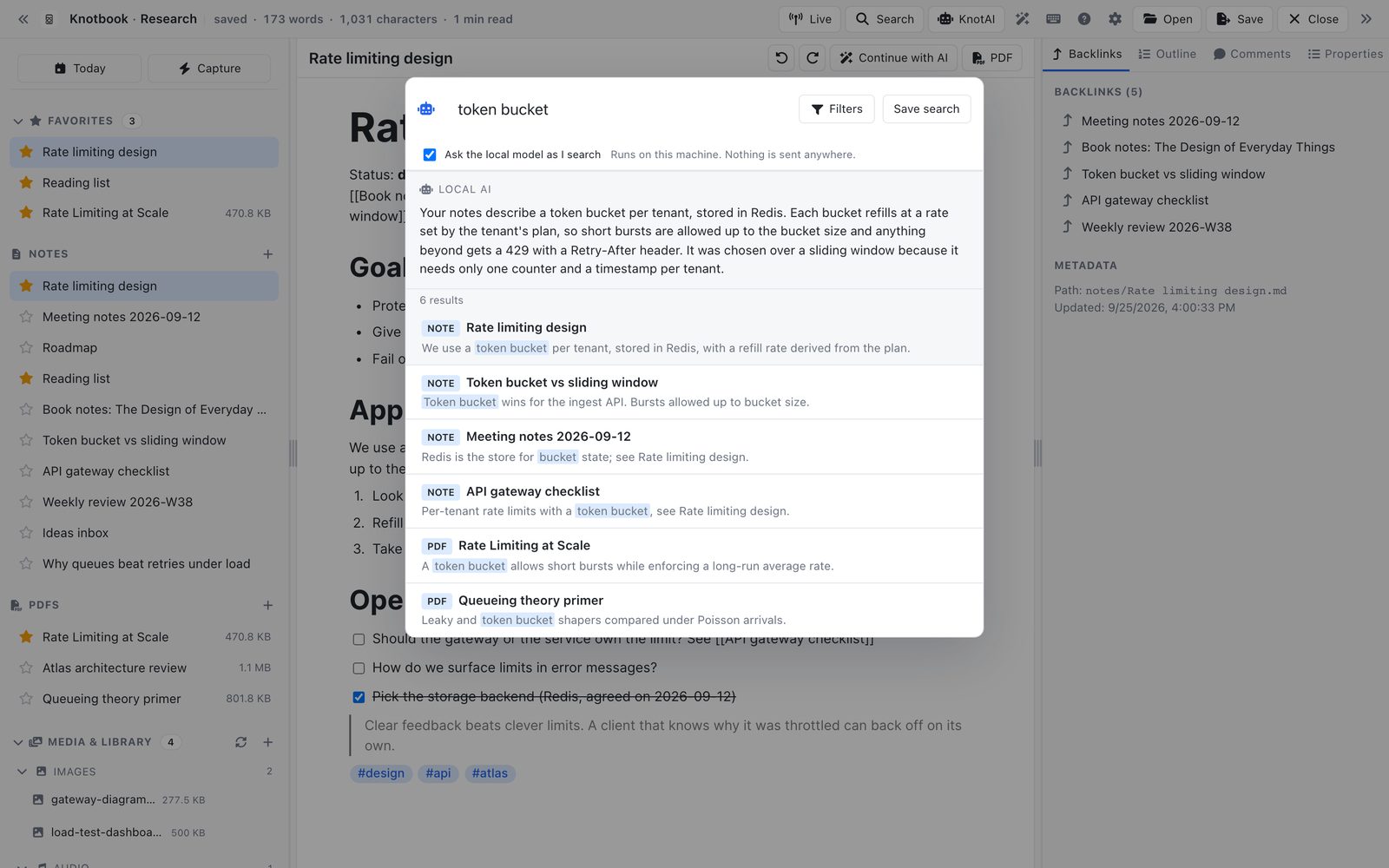
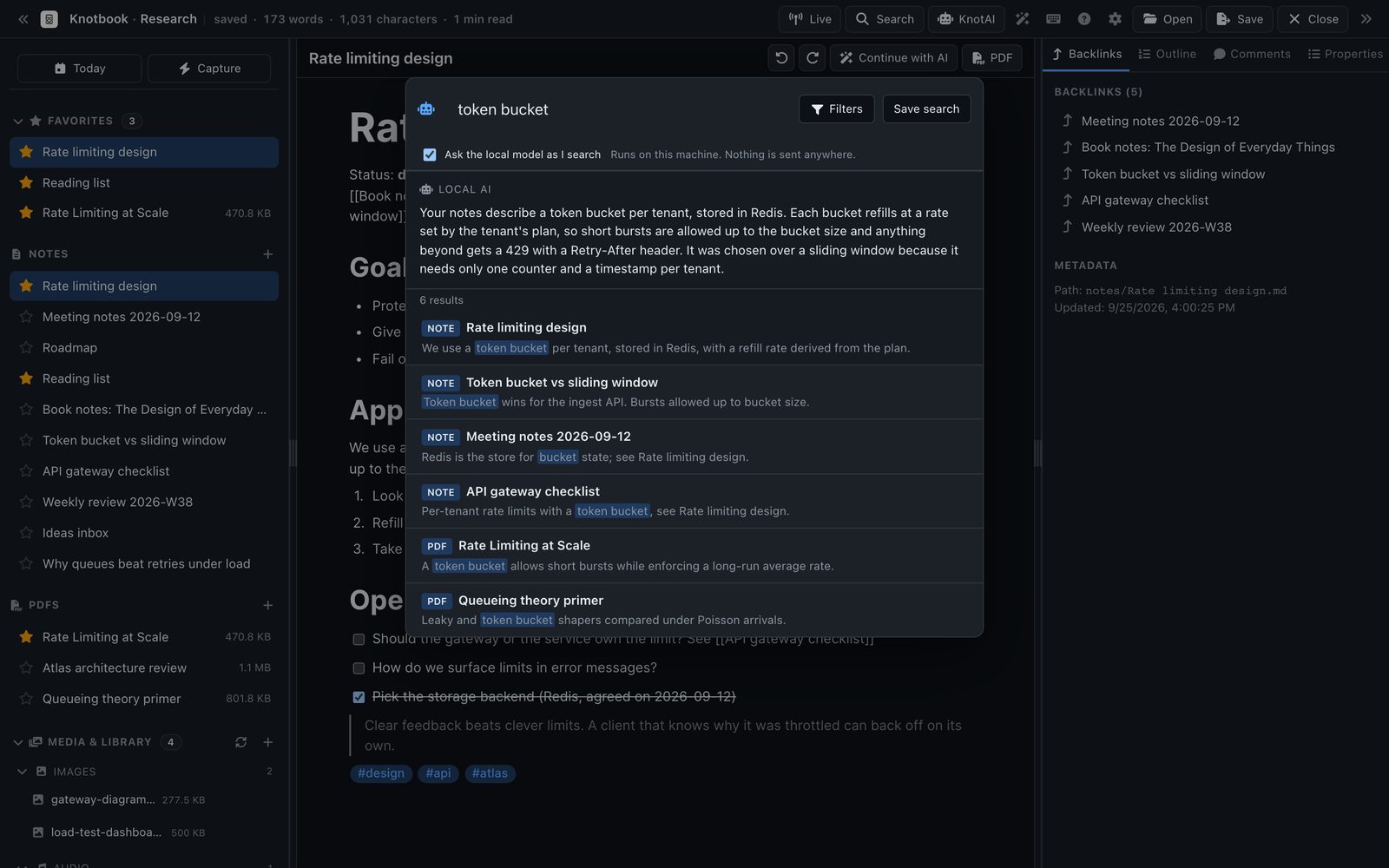
One search box for notes and PDFs
Press ⌘ P (Ctrl P on Windows and Linux) and start typing. Results come from note titles, headings, body text and the text inside your PDFs, and update as you type. ⌘ K opens the command palette for everything else.
- Index
- Kept on your computer and rebuilt from your files at any time
- Navigate
- Command palette, quick switcher and tag explorer
- Import
- Open an Obsidian vault or any folder of Markdown as it is
Clip pages and follow feeds without leaving your notes
The browser extension sends pages you clip to an inbox in Knotbook. You go through the inbox and decide what becomes a note; nothing is written without you accepting it. Articles from the RSS feeds you add are saved as Markdown notes in a folder of their own, so you can search them and link to them like anything you wrote.
- Web clipper
- A Chrome extension that talks to the app on your own machine
- Feeds
- RSS, fetched only from the addresses you add
- Quick capture
- Add a thought to today's daily note from anywhere in the app
Ask questions of your notes, answered on your computer
Pro
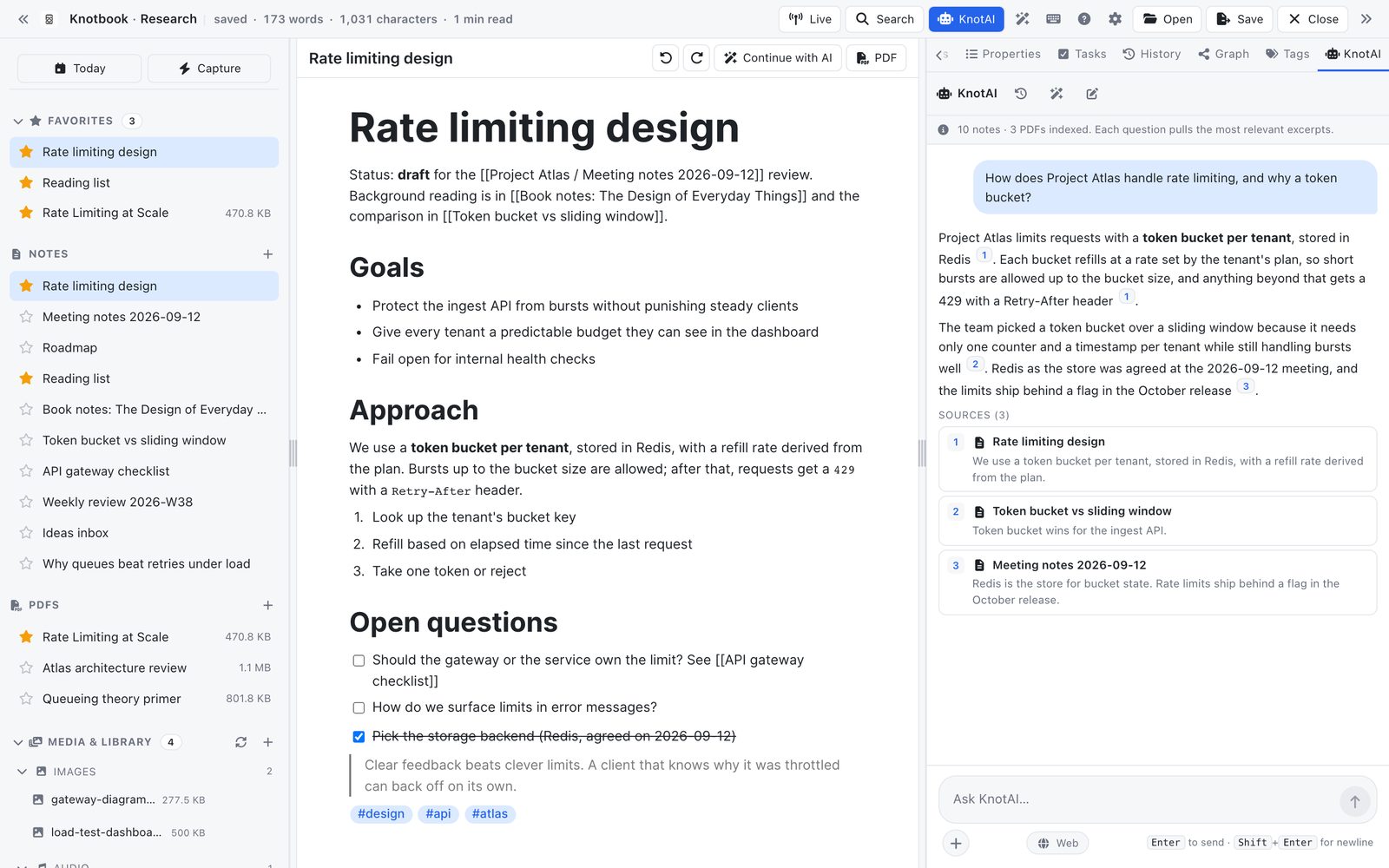
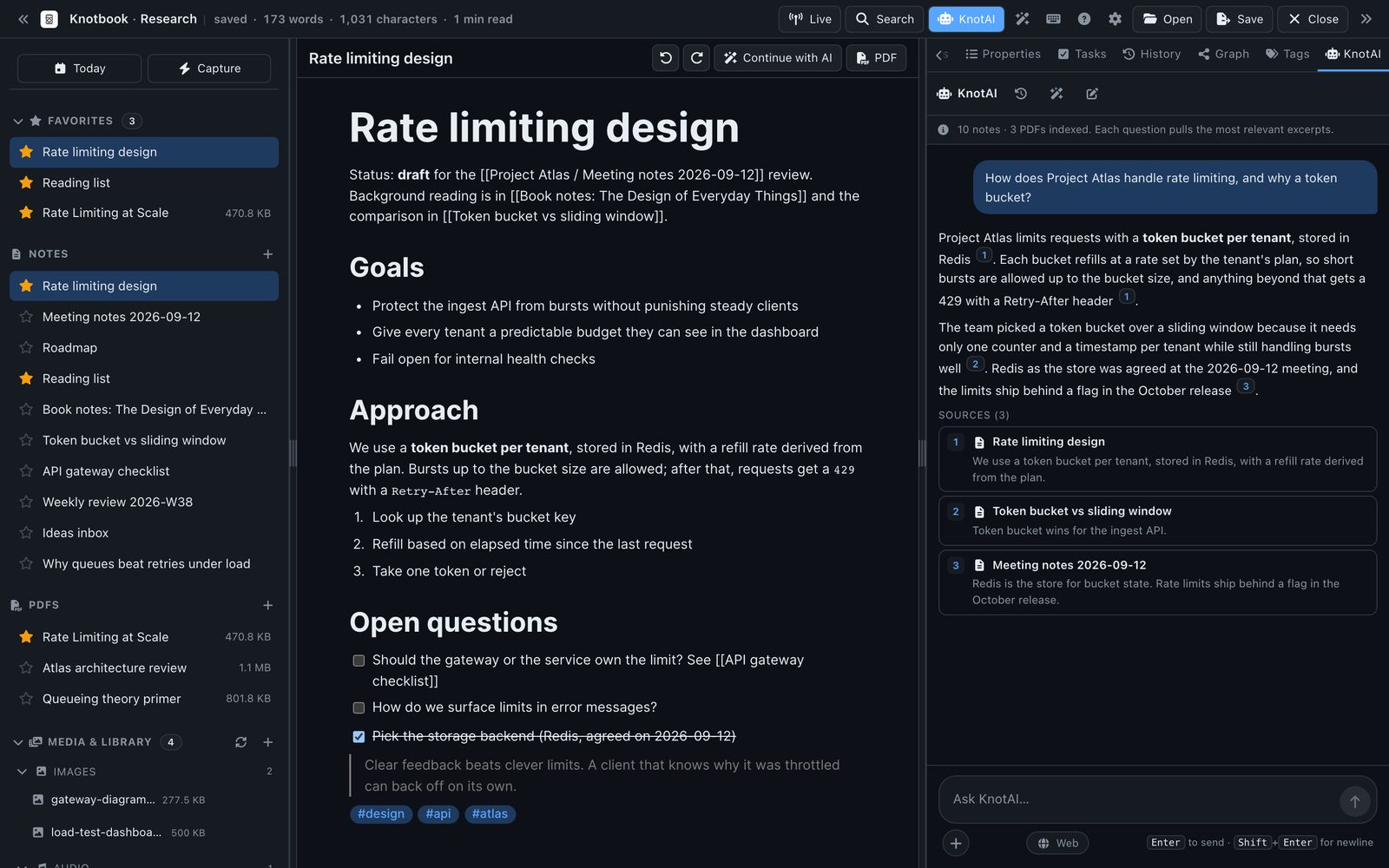
KnotAI runs a language model on your machine after a one-time download. It answers from your notes and PDFs and cites the passages it used, and it can summarise, draft and transcribe audio. Your notes are not sent to a server to do this. Web results are off unless you switch them on for a message.
- Model
- Downloaded once when you set it up, then runs offline
- Answers
- Numbered citations link back to the notes they came from
- Web
- Off by default; turned on per message
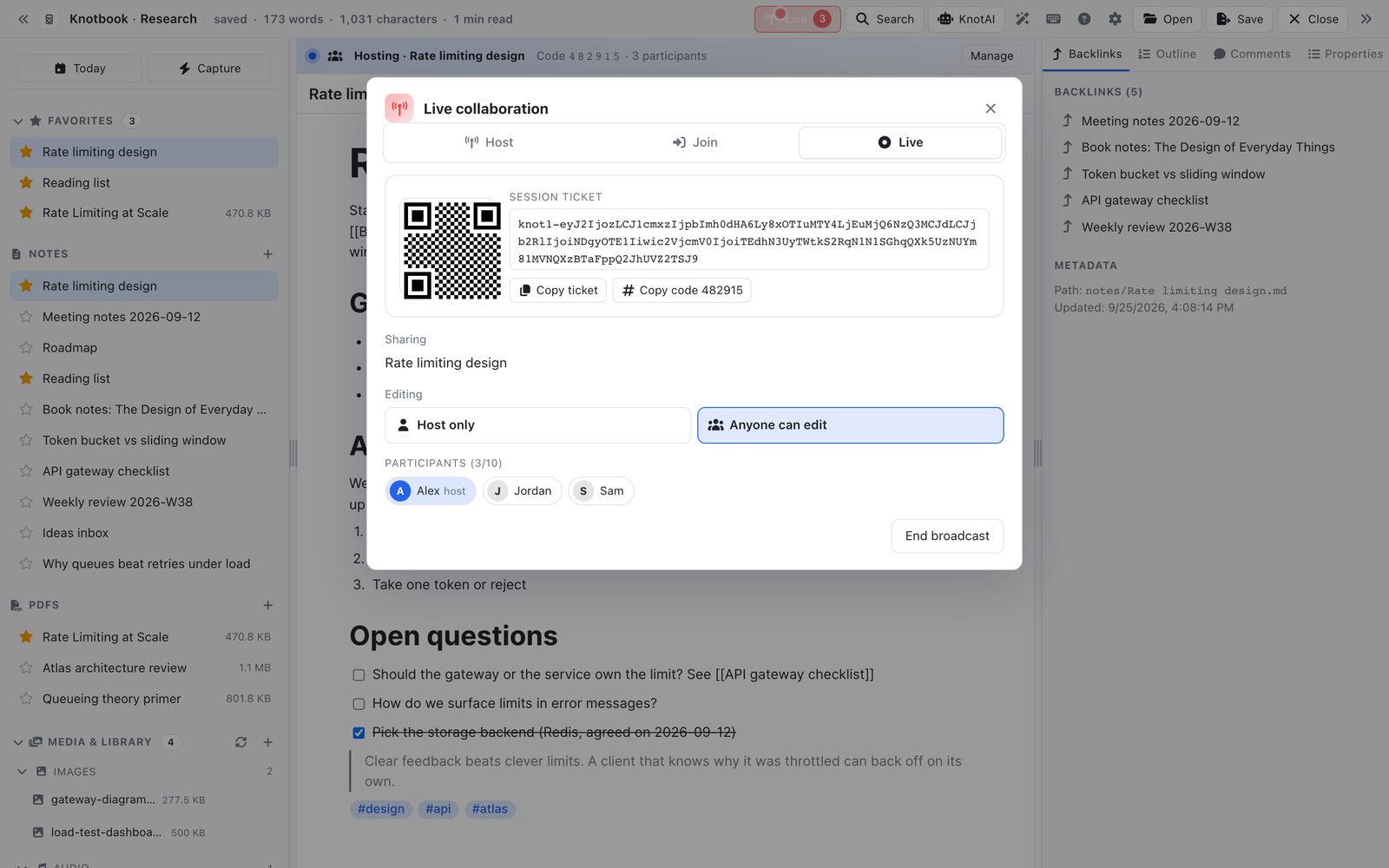
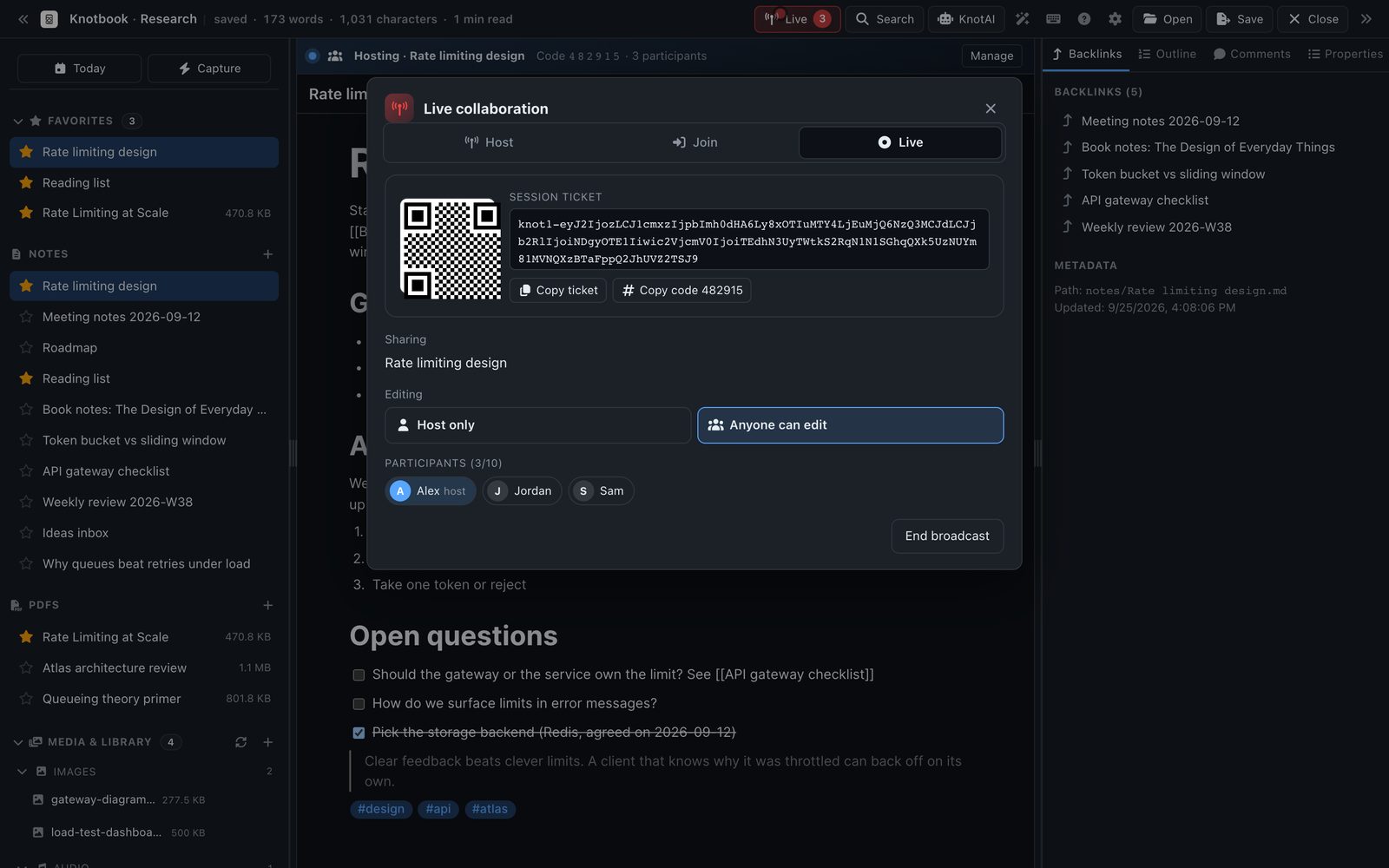
Edit a note with other people, live
Sessions of up to 5 people on Free, 10 on Pro
Start a live session on any note and share the six-digit code. People who join edit the same note with you, connecting directly to your computer, and the note's content is end-to-end encrypted. Switch the session to read-only when you only want to present.
- Joining
- A six-digit code on your network, or a ticket over the internet
- Privacy
- Note content is end-to-end encrypted
- Your devices
- Built-in sync is not in the beta yet. The workspace is a normal folder, so the sync service you already use works
Your files stay yours
A Knotbook workspace is a folder of Markdown files that you choose. The search index, backlinks and graph are built from those files and can be rebuilt at any time, so deleting the index costs you nothing but a reindex.
There is no Knotbook cloud that holds a copy. Back the folder up, sync it with a service you already use, or put it under version control.
| What | Where it goes |
|---|---|
| Notes, search, backlinks, PDF text | Never leave your computer |
| Update check | Reads the public list of releases. You choose on first run and can turn it off in Settings |
| KnotAI model | Downloaded from Hugging Face or GitHub when you start KnotAI setup |
| KnotAI answers | Computed on your computer |
| KnotAI web results | DuckDuckGo, only for messages where you switch it on |
| RSS | Only the feeds you add |
| Pro licence | Our licence server, only if you buy Pro |
| Analytics and telemetry | None in the app |
The full list is in the privacy policy.